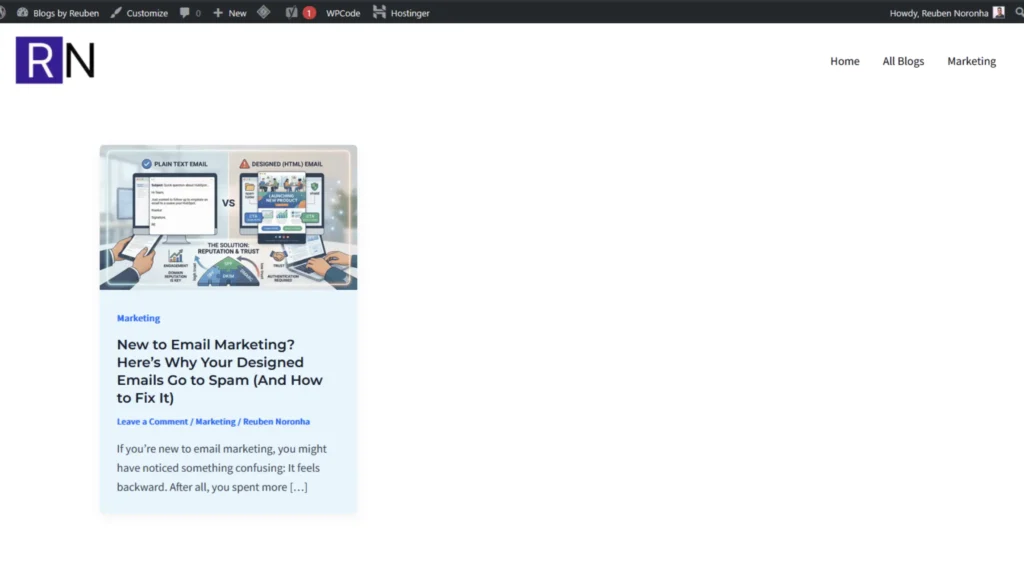

If you’re new to email marketing, you might have noticed something confusing:
- Your simple plain text emails land in the inbox.
- Your beautifully designed HTML emails end up in spam.
It feels backward.
After all, you spent more time designing the “better-looking” email — so why does it perform worse?
Let’s break this down in simple terms.
The Real Reason: It’s Not About Design — It’s About Trust
When you start sending emails from a new domain, inbox providers like Gmail and Outlook don’t fully trust you yet.
Every domain has a sender reputation.
If your domain:
- Has little sending history
- Suddenly sends bulk emails
- Contains multiple links and images
- Looks highly promotional
…it raises red flags.
Plain text emails, on the other hand, look like normal one-to-one communication. They contain:
- Fewer links
- No heavy formatting
- No large image blocks
- No attachments
That makes them appear more “human” and less like mass marketing.
So they pass through more easily.
Why HTML Emails Trigger Spam Filters
Designed (HTML) emails typically include:
- Multiple CTA buttons
- Social media links
- Image banners
- Tracking pixels
- Branded footers
- Promotional copy
Spam filters evaluate all of this.
If your domain isn’t properly authenticated or warmed up, the system may classify your email as promotional or suspicious — and send it straight to spam.
It’s not that HTML emails are bad.
It’s that they require stronger technical credibility.
The Technical Setup You Must Get Right
Before sending designed campaigns, you need to configure proper email authentication.
Here are the three essentials:
1. SPF (Sender Policy Framework)
This tells inbox providers that your email platform is allowed to send emails on behalf of your domain.
2. DKIM (DomainKeys Identified Mail)
This digitally signs your emails so providers know the content hasn’t been altered.
3. DMARC (Domain-based Message Authentication, Reporting & Conformance)
This instructs inbox providers what to do if SPF or DKIM fails.
If even one of these is misconfigured, your deliverability drops significantly.
Many beginners skip this step — and that’s usually the core issue.
Practical Fixes to Improve Deliverability
Here’s a simple action checklist:
✅ 1. Warm Up Your Domain Slowly
Do not blast 5,000 emails on Day 1.
Start small.
Send to engaged contacts.
Gradually increase volume.
This builds reputation safely.
✅ 2. Balance Images With Text
Avoid image-only emails.
Maintain a healthy text-to-image ratio so spam filters can properly analyze your content.
✅ 3. Limit the Number of Links
Too many links increase spam risk.
Use one primary CTA.
Keep your structure clean.
✅ 4. Avoid Attachments
Attachments are high-risk for spam filters.
Instead, upload files and link to them.
✅ 5. Test Before Sending
Send test emails to:
- Gmail
- Outlook
Check:
- Did it land in Primary, Promotions, or Spam?
- Did SPF/DKIM pass?
You can also review email headers to see authentication results.
✅ 6. Keep Your HTML Clean
If you’re editing email code:
- Avoid unnecessary styling
- Remove hidden elements
- Use mobile-responsive templates
- Don’t copy-paste directly from Word or Google Docs
Clean code improves deliverability.
Engagement Matters More Than Design
Inbox providers monitor how recipients interact with your emails.
If people:
- Open your emails
- Click links
- Reply
- Move emails out of spam
Your reputation improves.
If people:
- Ignore
- Delete without reading
- Mark as spam
Your reputation declines.
Deliverability is a long-term trust game.
The Bigger Lesson
Plain text works better at the beginning because it helps you build credibility.
Once your:
- Domain is authenticated
- Sending volume is consistent
- Audience is engaged
You can confidently send well-designed HTML emails without landing in spam.
Design is powerful.
But trust comes first.
Final Thoughts
If you’re starting out in email marketing, focus on:
- Technical authentication
- Gradual sending volume
- Clean email structure
- Engaged contact lists
Beautiful design is important — but inbox placement is more important.
Build trust first.
Optimize design second.
And your campaigns will perform far better in the long run.
Reference Post (Reddit): https://www.reddit.com/r/hubspot/comments/1redz0l/new_to_email_marketing_why_do_my_designed_html/